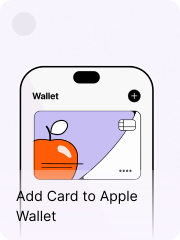
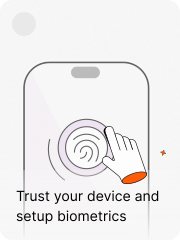
Welcome to · BOG App · flow

New User Experience

Turning first login into a guided activation journey

The problem wasn't that new users couldn't find things. It was that nothing told them what mattered first. This project was about sequencing that — connecting security setup, dashboard guidance, and personalization into one path that felt like progress, not a checklist.

Product Design Interaction Design Visual Design Gamification Design Systems
2024 Bank of Georgia

Login, Dashboard, Secure Setup, Hub, Gamification

Context & scale

BOG App had grown into a full banking superapp. Accounts, cards, payments, loans, loyalty, widgets, gamification, a financial marketplace. For existing users that depth was the point. For someone logging in for the first time, it was a lot to land in without a map.

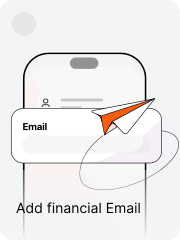
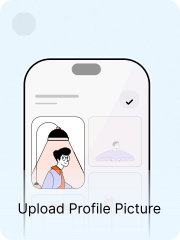
New users weren't just navigating an unfamiliar interface. They needed to complete actions that had real product consequences — trusting the device, enabling biometrics, adding a financial email, filling in profile details. These affected how easily someone could log in next time, whether they'd get stuck on OTP flows, whether the app could reach them when something important happened.

The problem was that none of this felt connected. Security setup appeared as a prompt. The dashboard was the same for everyone. Gamification existed somewhere else. A new user had no reason to understand that these moments were part of the same journey.

What the research said

Before touching anything I went through existing research on transitioning users — specifically a study following students moving from BOG's youth app, sCoolApp, into the main banking app for the first time.

Users didn't want a tutorial. They wanted familiar things to be findable first — balance, card, contacts — and then to discover what was different gradually. One student said something that stuck: BOG App has so much that they wouldn't want to bring anything across from sCoolApp. Only the other way around.

That told me something important. The app wasn't intimidating because it was too complex. It was intimidating because it didn't give newcomers a starting point. The depth was fine. The entry was the problem.

"The app wasn't intimidating because it was too complex. It was intimidating because it didn't give newcomers a starting point."

The real problem

The existing first-use experience had the right ingredients. It just didn't sequence them.

01

Setup felt like an interruption

Security setup appeared early, but it felt dismissible. The communication around it didn't explain what trusting the device actually meant or what friction it would prevent. Users were being asked to trust the device before the experience had built any trust itself.

02

The dashboard had no newcomer layer

Experienced users had context. New users landed in the same powerful environment with no sense of what was done, what still needed attention, or where to start.

03

Gamification was a separate destination

Missions and badges existed, but weren't connected to the first-use journey. They were somewhere to find later, or not at all. The system that could have turned setup into progress wasn't being used for it.

Reframing the first interaction

The original secure setup flow behaved like a system requirement. A modal appeared, asked users to trust the device, triggered an OTP flow, then disappeared again. It technically worked, but emotionally it felt abrupt — especially because users didn't yet understand why any of this mattered.

Original secure setup path

I redesigned the experience as a guided welcome flow instead of a permissions flow. The app introduced itself first. Then explained what the next steps would improve — faster login, easier transfers, fewer OTP interruptions. The language became calmer, more direct, more human.

For transitioning sCoolApp users, the tone shifted again. The app acknowledged the transition and framed the experience less like account setup and more like arriving somewhere new.

The gamification bet

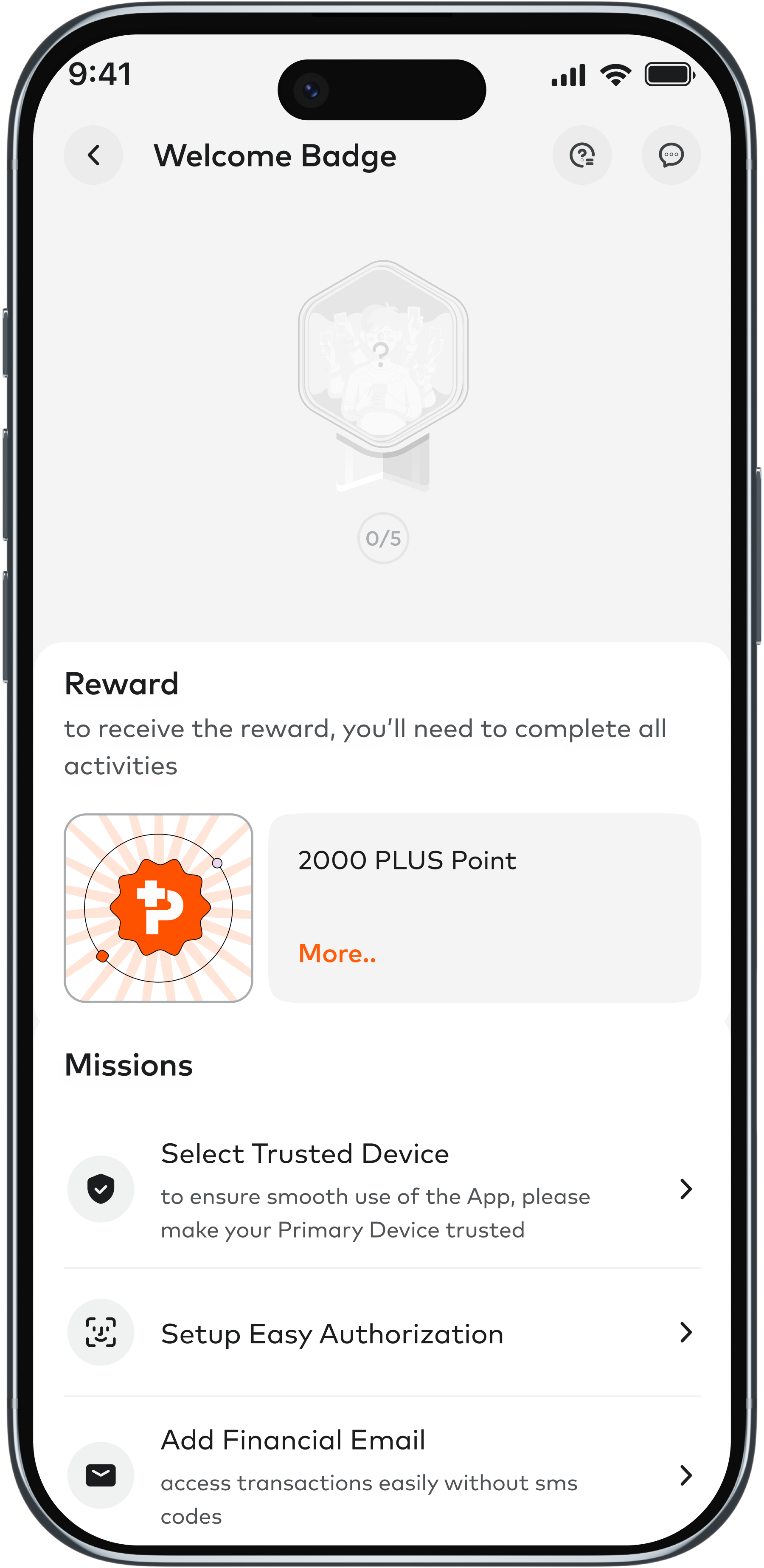
From the beginning I wanted onboarding to connect into the gamification space. BOG App already had a missions and badge system — a passive rewards layer that gave users reasons to engage with the app beyond their daily banking. My thinking was that new user setup was the perfect entry point into that world. Complete your secure setup, get introduced to missions, earn a badge that marks you as someone who arrived and did the work.

I briefed the dedicated gamification team to create a new badge with a specific set of missions tied to the onboarding journey. The idea was that the badge wouldn't just reward setup completion — it would introduce users to an ongoing space that was useful for both the user and the bank. A place to keep coming back to.

The gamification space was going through its own turbulence at the time. Engagement wasn't where it needed to be, and the timeline for getting a new badge scoped and shipped kept shifting. I didn't make it in time.

So I found a different answer.

Badge hub entry — missions and reward
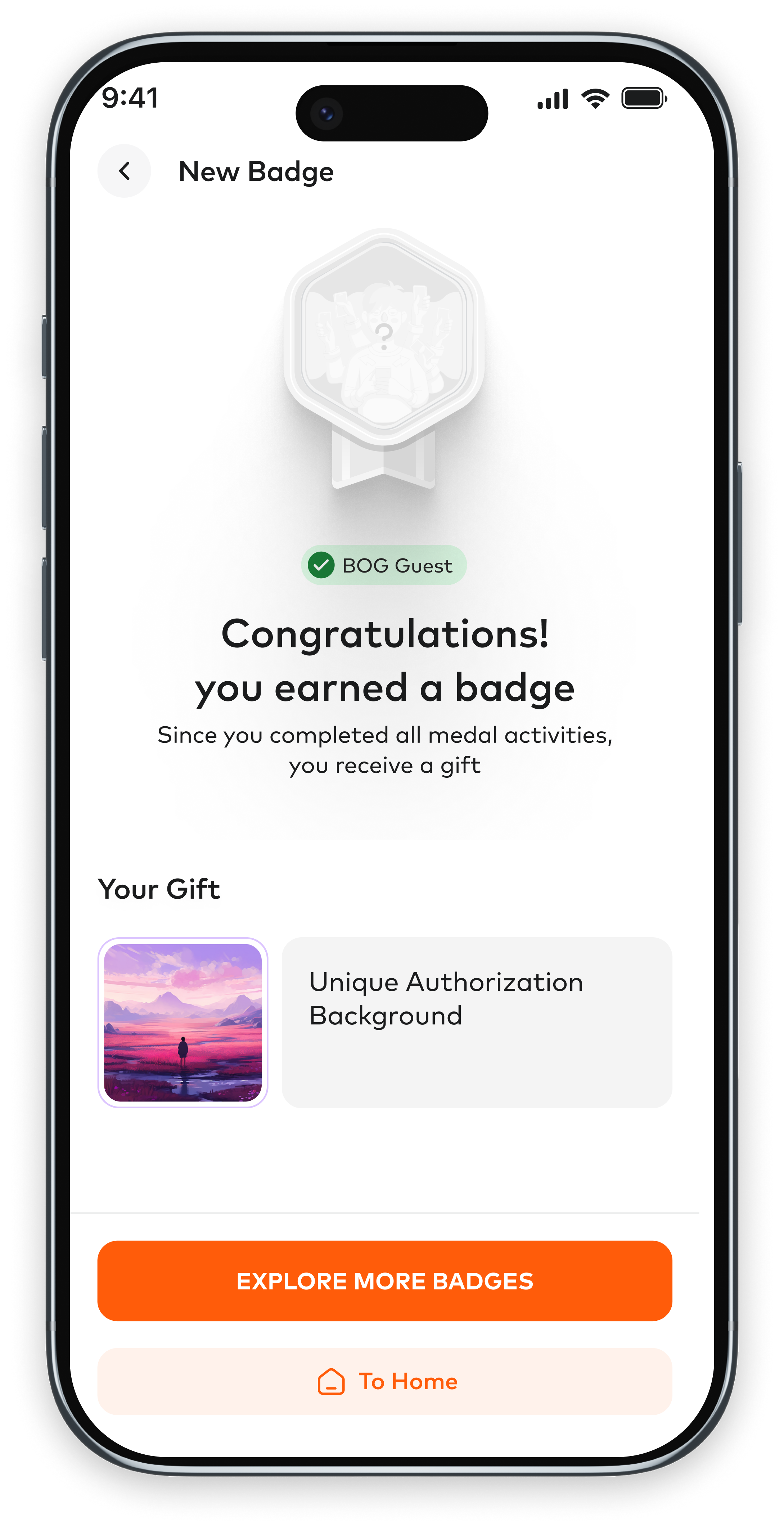
Badge earned — congratulations screen

Progress made visible

The widget in motion

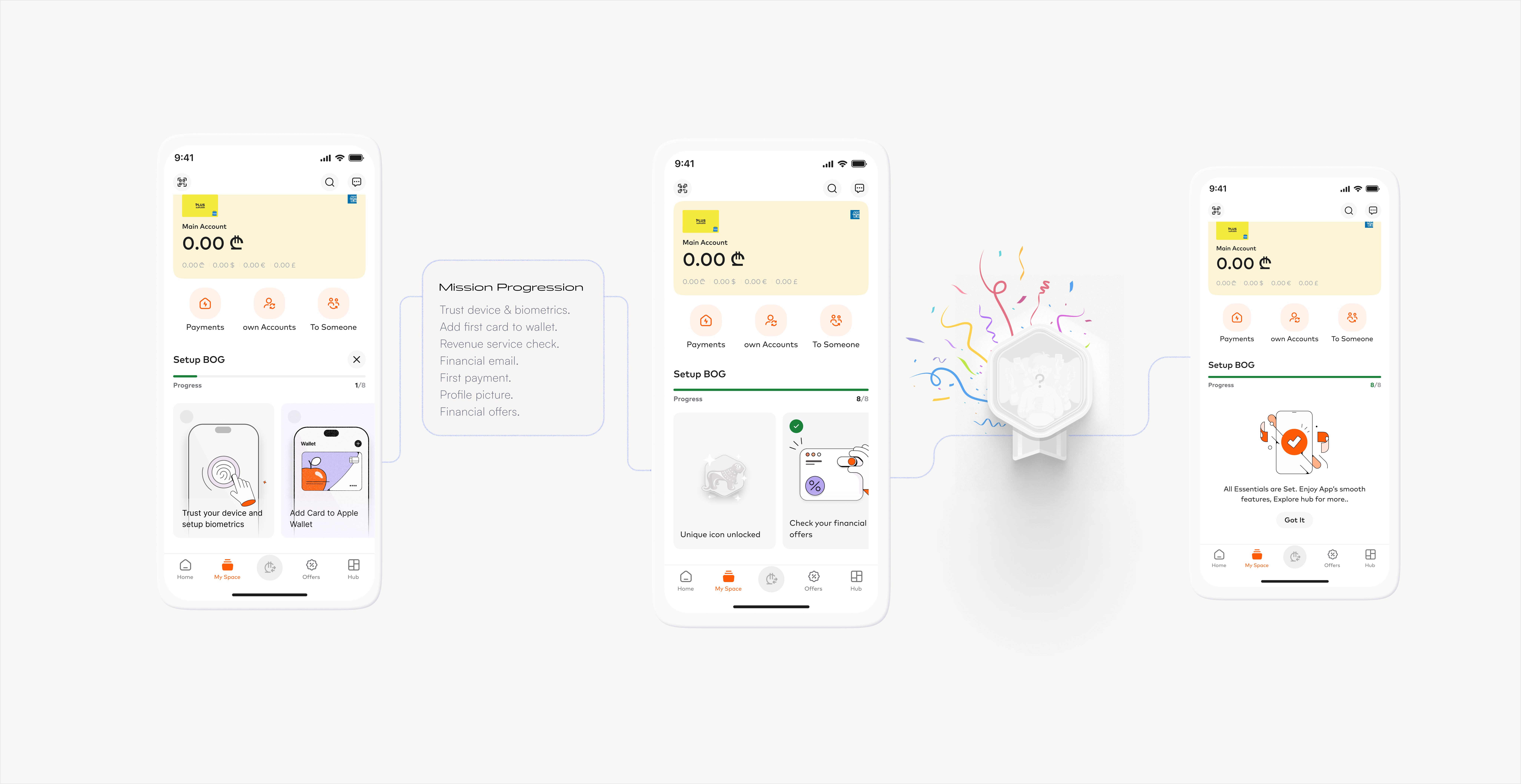
The dashboard widget needed to tell the onboarding story at a glance — not with a counter, but with a felt sense of progress. Three states carried the whole arc: arrival, momentum, completion.

Dashboard widget — three states: arrival, momentum, completion

A different kind of reward

When the gamification path closed, I didn't want to drop the reward layer entirely. Setup completion should mean something. It should feel like arriving, not just finishing a checklist.

The idea I landed on was a custom app icon — but not as a generic reward. The icon would only be available for the first few months after the feature launched. Users who completed onboarding during that window would get an icon that no one else could ever get again. A small marker of when they joined. A generational thing.

It wasn't a badge. It wasn't a campaign. It was closer to the feeling of having a first-edition something — quiet, specific, yours. For a bank trying to build long-term relationship with users, that felt more honest than a points multiplier.

"An icon no one else could ever get again. A small marker of when they joined."

The mission moment

The mission card system

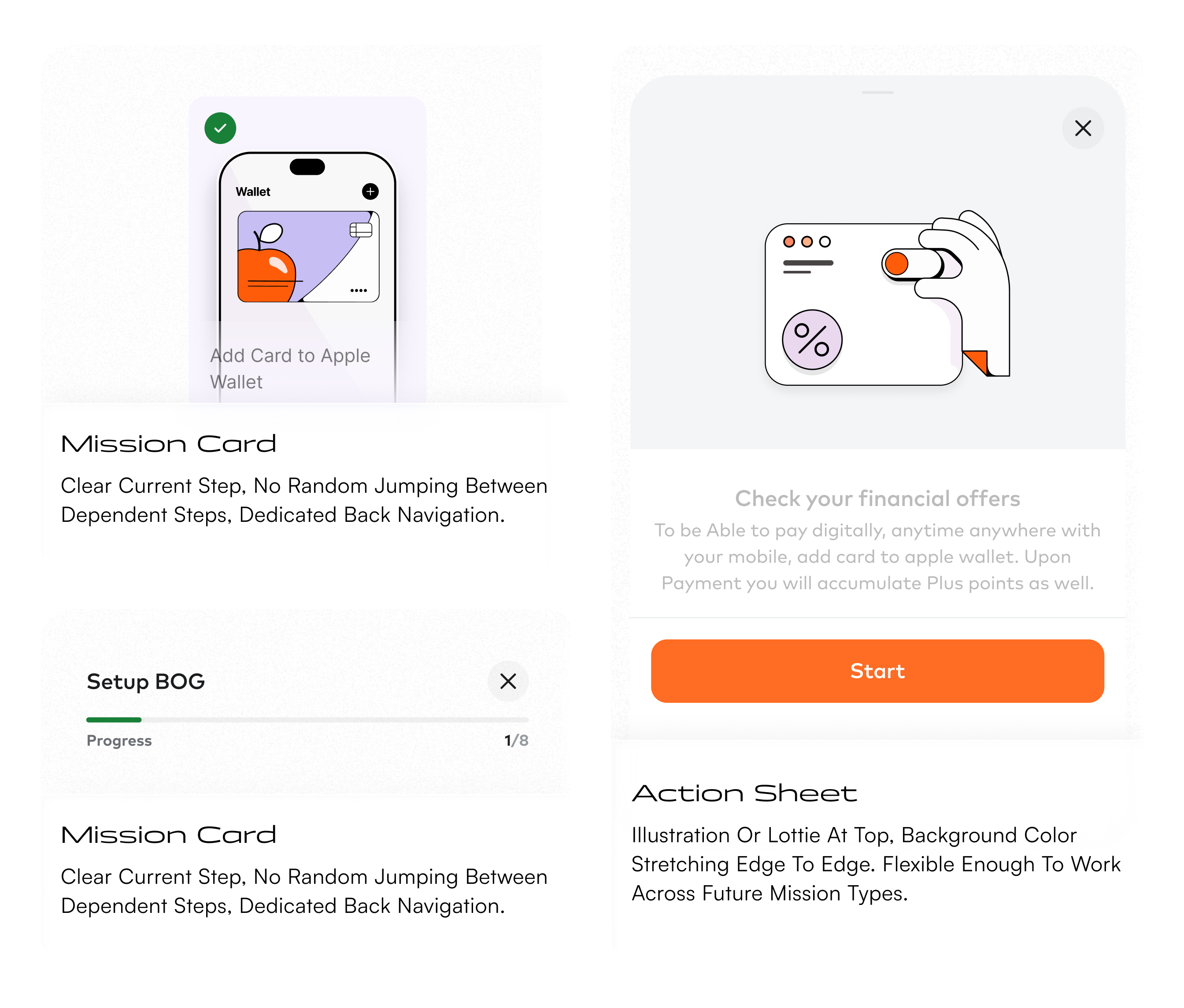
Each mission was a self-contained unit — illustration, context, action. The card system needed to work across every task type without redesigning from scratch each time. Locked, available, and completed states each communicated clearly at card size.

Mission screens — before and after states

The reward moment

App icon unlock

The app icon appears in the home row once onboarding is complete. Tap it — and the unlock moment plays. Not a notification. Not a banner. A quiet, specific thing that arrives when you've earned it.

The dashboard as anchor

The dashboard is where users go back to. So onboarding progress needed to live there — not as a forced tutorial, but as a visible thread.

The widget showed what was done and what was next. It had a lifespan: visible for up to a month, with a gentle nudge animation if someone hadn't interacted with it for a week, then gone. Users could dismiss it manually with a confirmation step. No resurface, no nagging. Respectful of the decision.

The badge reveal — when gamification was still in scope — was deliberately hidden until completion. No preview, no teaser. Discovering it as a surprise after finishing setup was a different feeling than seeing it locked from day one.

Illustration as communication

The existing illustration style was playful and gamified in feeling. It worked for the missions space. It didn't work for onboarding, where the visuals had to explain practical actions quickly inside small cards and action sheets.

So I evolved the style rather than replacing it. Kept the tone, made the visuals more literal, more task-specific, more functional inside tight card formats. Then built the case for it internally — benchmark research, a moodboard, an explanatory document. Then animated it, documented it, and handed it off.

The component system

The solution touched several areas of the app, so it needed reusable patterns rather than isolated screens. I worked on the logic behind four core components so the onboarding system could scale beyond the first version.

Component system — Stepper, Mission Card, Action Sheet, Dashboard Widget

Designed to improve

The redesign was built to improve things that are actually measurable — not just completion rates, but the behaviors that matter downstream.

+18% Trusted device setup — first session
+22% Biometric authorization adoption
+11% Financial email activation
↓17% Time to first meaningful transaction
+26% Onboarding mission engagement
+9% Profile completion rate

What I learned

Onboarding in a mature banking app isn't about explaining the product. It's about sequencing trust.

New users don't need to understand everything at once. They need to understand what matters first, why it matters, and where to go when they're ready for more. Get that sequence right and the rest of the app can do its job.

The other thing this project taught me: sometimes a feature getting cut is the best thing that can happen to a design. When the gamification path didn't come together in time, the project got simpler and more honest. The app icon was a better fit for what we were actually trying to do — make setup feel earned, not make onboarding feel like a game.

"The old experience introduced tasks.
The new one created a reason to complete them."